Updated November 3, 2026. The April 2026 comparison of model and GPU names is rewritten around selection criteria. Facts about Ollama, Anthropic, and OpenAI were checked against official documentation on November 3, 2026; the cost math and routing rules are design examples with hypothetical numbers, and no model benchmark was run.
Ask where each job runs, not which side is better

Photo: Trần Chính / Pexels
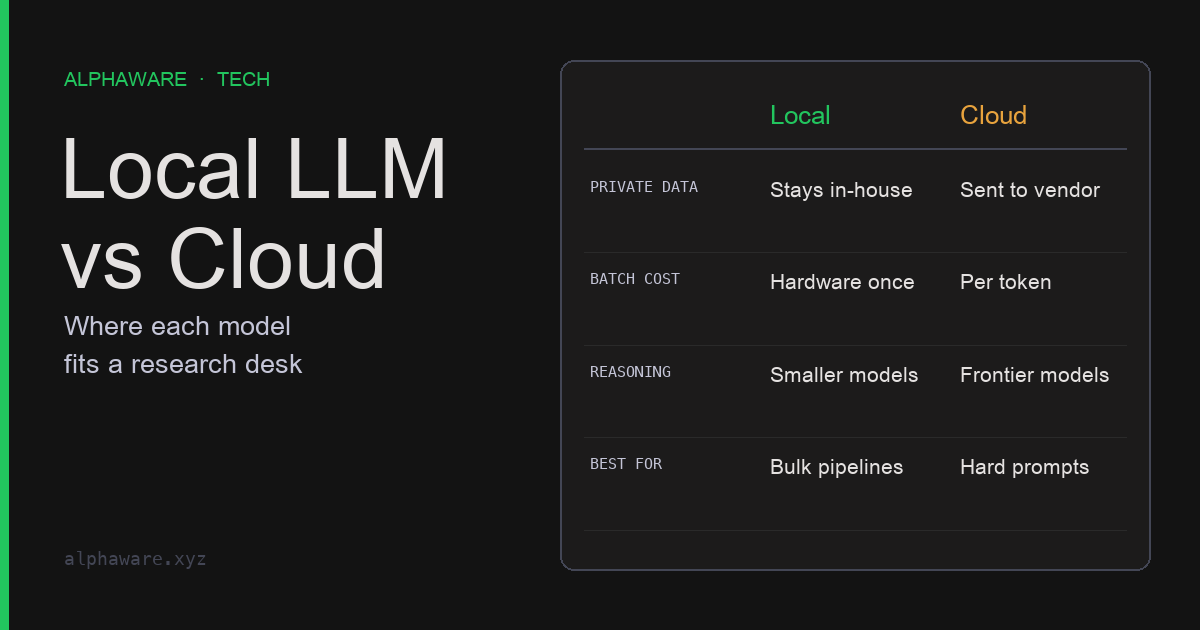
Once an LLM joins a research workflow, three questions follow. May strategy code or position data go to an external API? Will cost hold up as batch volume grows? Is the answer quality good enough for the job?
The April version answered with specific model and GPU names. That kind of comparison ages as soon as a new model ships. Settle four things per job instead, and the decision structure survives model changes.
| Criterion | Leans local when | Leans cloud when |
|---|---|---|
| Data sensitivity | Contract forbids external transfer | External processing and retention terms are acceptable |
| Volume and utilization | Enough repeat work to keep hardware busy | Usage is low or irregular |
| Required quality and context | Short inputs, fixed-format classification or summaries | Long documents, complex code, multi-step reasoning |
| Operating capacity | Someone owns hardware, security, and updates | You want to minimize operations |
Which column applies is something to measure on your own work, not read off a table. The sections below show how to check each criterion.
Data boundary: local can still leave the machine
The advantage of a local model is owning the execution boundary. As of November 3, 2026, Ollama’s FAQ states that it does not see your prompts or data when you run locally. The same FAQ lists settings worth checking. Ollama FAQ
- By default Ollama binds only to
127.0.0.1, port 11434. Changing the bind address withOLLAMA_HOSTmakes it reachable from other machines, which then needs its own authentication and firewall design. Local API requests need no API key. Ollama API introduction - Ollama also offers cloud-hosted models. With a cloud model, prompts are processed off the machine. The FAQ also documents a local-only mode that disables cloud features.
- Model files, embedding stores, and logs can contain sensitive material and need access control too.
On the cloud side, read “not used for training” and “not stored” as different statements. As of the same date, OpenAI says API data is not used for training by default, while abuse-monitoring logs may be retained for up to 30 days; zero data retention and other modified controls require prior approval. OpenAI data controls Anthropic says retained data is never used for training without express permission, that zero data retention (ZDR) is a per-organization arrangement, and that the batch API has 29-day retention and is not ZDR-eligible. Anthropic API and data retention
The conclusion is simple. Material that may not leave under contract runs only on the local path, and the configuration is checked to confirm that path really stays on the machine.
Cost: a GPU is not free; it is a utilization question
The April version’s line that owned GPUs make local inference “effectively free” was wrong. Depreciation, power, and time spent on updates and incidents are fixed costs that remain at zero usage. API cost, by contrast, scales with usage. So the comparison is not unit price but the monthly volume above which the fixed cost is spread thin enough.
Every number in the break-even code below is hypothetical. It means something only after you substitute your own hardware quote, power price, operating hours, and provider rate card.
# Every number is hypothetical. Replace with your own quotes and rate cards.
def cloud_monthly(m_in, m_out, price_in, price_out):
    """API cost from monthly input/output tokens (millions) and per-million prices."""
    return m_in * price_in + m_out * price_out

def local_monthly(hardware, life_months, power_kw, hours,
                  kwh_price, ops_hours, ops_rate):
    """Depreciation + power + operator time. Fixed cost that remains at zero usage."""
    return (hardware / life_months
            + power_kw * hours * kwh_price
            + ops_hours * ops_rate)

local = local_monthly(hardware=6_000, life_months=36, power_kw=0.6,
                      hours=200, kwh_price=0.20, ops_hours=4, ops_rate=50)

def cloud_at(volume):
    # Hypothetical request mix: 2 input to 1 output (millions of tokens)
    return cloud_monthly(2 * volume, volume, price_in=1.0, price_out=5.0)

assert round(local, 2) == 390.67
assert cloud_at(10) == 70.0            # low volume: the API is cheaper
assert cloud_at(60) == 420.0           # high volume: fixed cost is spread
breakeven = next(v for v in range(1, 1_000) if cloud_at(v) >= local)
assert breakeven == 56
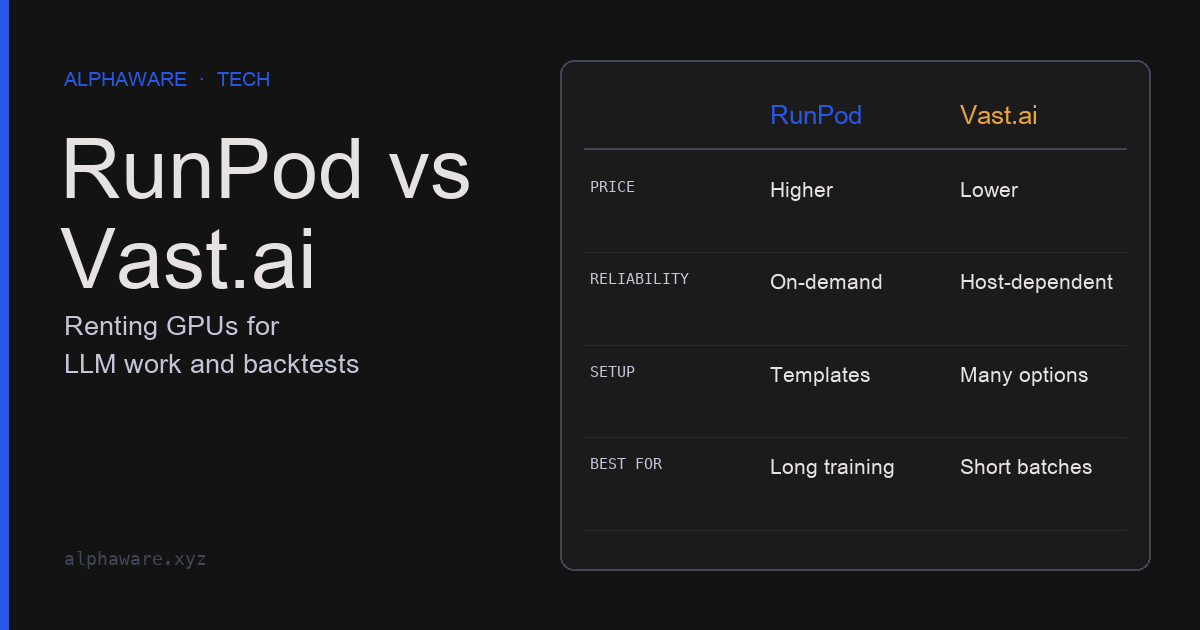
Some items are missing from this math: the assumption that the local model does the job at the same quality, queueing delay when throughput falls short, and the cloud’s batch discount and prompt caching. Cost differences driven by cloud call structure are worked out in the Claude API article. Renting GPUs by the hour instead of buying is another option, and utilization is still the deciding factor.
Quality and context: compare on your own eval set
The April version made general claims such as “a 70B model is roughly on par with the cloud.” Such comparisons shift with every model generation and differ by task. What can be checked is configuration and measurement method.
- Context setting: as of November 3, 2026, Ollama’s FAQ gives a default context window of 4,096 tokens and explains how to change it with the
OLLAMA_CONTEXT_LENGTHenvironment variable or thenum_ctxoption in an API request. If long documents produce odd results, check this setting before blaming the model. - Memory: the same FAQ notes that parallel requests multiply the context size and allocate more memory. A larger context can reduce throughput.
- Comparison method: take a few dozen documents from real work, have a person label the answers, and run local and cloud candidates on the same prompt and set. Record accuracy, format-failure rate, and latency per item. Count separately whether the model stops on inputs that have no answer.
This article did not run such a comparison and does not claim that any local model matches any cloud model.
Pipelines run every model through the same validation
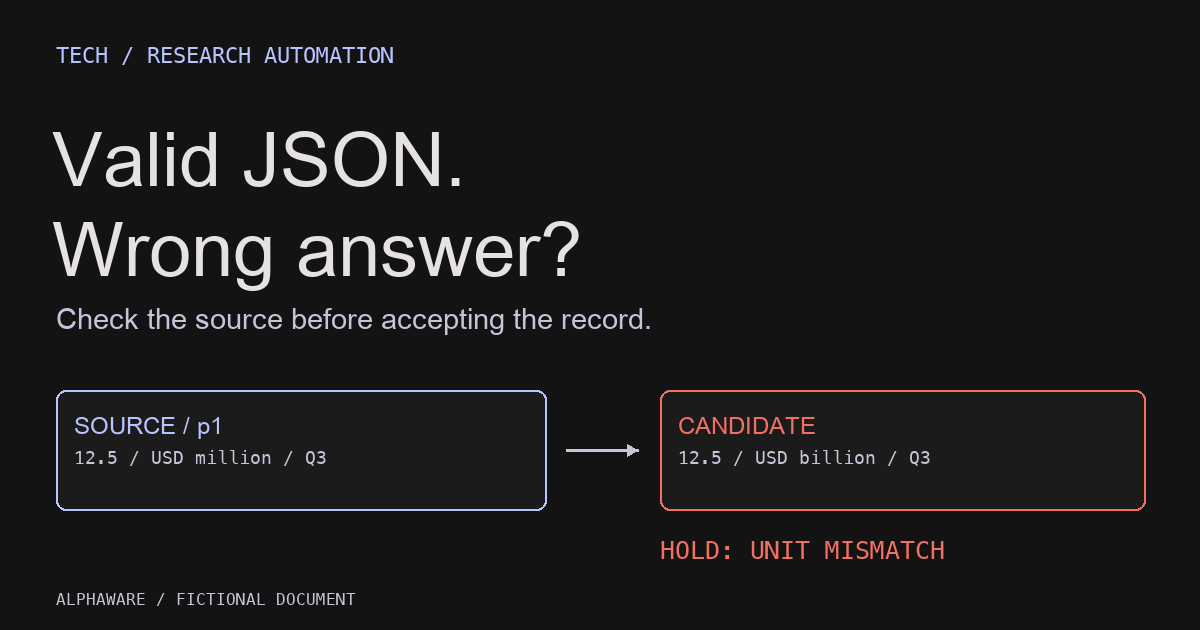
For repeated calls such as news classification or document summaries, outputs from either side should go through the same validation function. Downstream steps then stay stable when the model changes.
Ollama’s documentation describes passing a JSON schema in the format field to constrain output. The same page notes that Ollama’s cloud does not currently support structured outputs. Ollama structured outputs On the Anthropic API, output_config.format plays the same role. Anthropic structured outputs
The block below needs a local Ollama server, so it was not executed for this article. Its shape follows the Python example in Ollama’s documentation; replace the model name with one you have installed.
# Not executed: requires a local Ollama server and a downloaded model
from ollama import chat
from pydantic import BaseModel
from typing import Literal

class Sentiment(BaseModel):
    label: Literal["positive", "negative", "neutral"]

response = chat(
    model="your-local-model",
    messages=[{"role": "user", "content": "Classify the market sentiment of: ..."}],
    format=Sentiment.model_json_schema(),
)
result = Sentiment.model_validate_json(response.message.content)
Keep validation even with a schema. The functions below run without a network and show a routing rule for where a job runs together with shared output validation.
import json

LABELS = {"positive", "negative", "neutral"}

def route(job, local_ctx):
    """Pick where a job runs. local_ctx is the context length you actually configured."""
    if job["sensitivity"] == "restricted":
        return "local" if job["tokens"] <= local_ctx else "split_or_hold"
    if job["latency"] == "interactive":
        return "cloud_sync"
    return "cloud_batch"

def parse_label(text):
    """Local or cloud, every output goes through the same check."""
    try:
        data = json.loads(text)
    except json.JSONDecodeError:
        return None
    label = str(data.get("label", "")).lower()   # tolerate case differences
    return label if label in LABELS else None

assert route({"sensitivity": "restricted", "tokens": 3_000,
              "latency": "batch"}, local_ctx=4_096) == "local"
assert route({"sensitivity": "restricted", "tokens": 9_000,
              "latency": "batch"}, local_ctx=4_096) == "split_or_hold"
assert route({"sensitivity": "public", "tokens": 9_000,
              "latency": "interactive"}, local_ctx=4_096) == "cloud_sync"
assert route({"sensitivity": "public", "tokens": 9_000,
              "latency": "batch"}, local_ctx=4_096) == "cloud_batch"

assert parse_label('{"label": "Negative"}') == "negative"
assert parse_label('{"label": "bullish"}') is None
assert parse_label("Negative.") is None
A mixed setup keeps its routing rules in code
The realistic setup is not choosing one side but splitting paths by job. The route function above rests on three points.
- Sensitive material never falls back to the cloud. If it does not fit the local context, split it or hold it rather than sending it out automatically. Convenience fallbacks are the most common way a data boundary breaks.
- Work that can wait goes to batch. If no one needs the answer immediately, batch discounts and throughput are available. Batch may carry different retention terms.
- Rules live in configuration and code. When logs record which job took which path and why, you can trace the impact of a model change or a contract change.
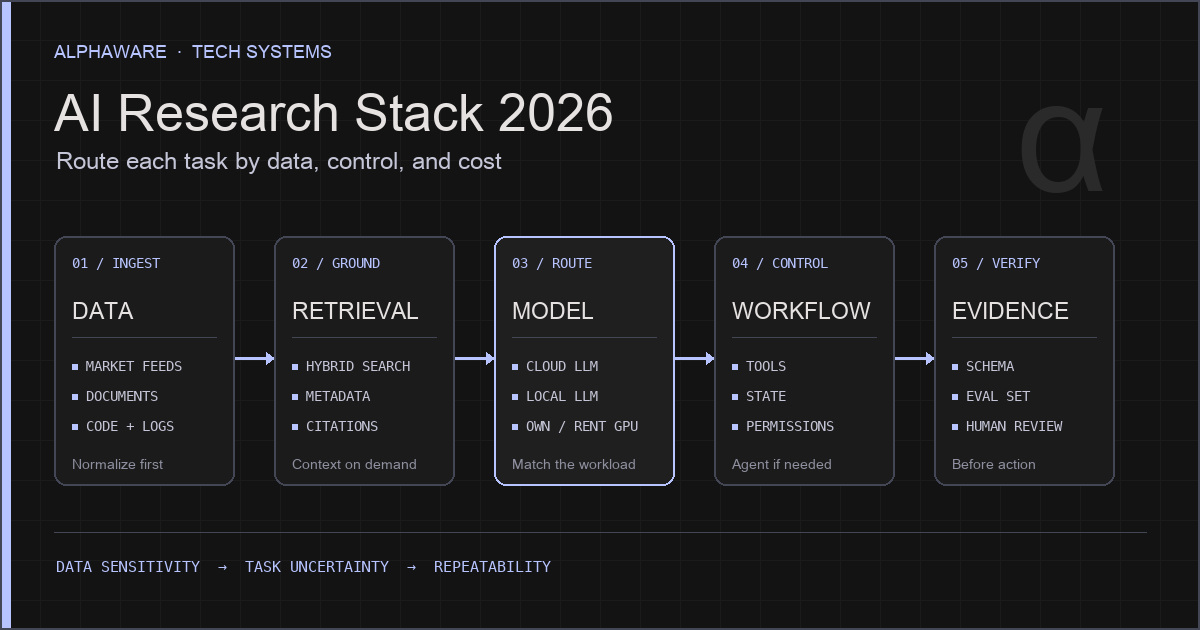
Without a GPU server, one workable order is to start with non-sensitive work on a cloud API and add a local path when sensitive material appears. Either way, keeping prompts, schemas, and eval sets separate from the provider makes switching paths cheap. Where this decision sits in the whole system is covered in the AI research stack article.
Sources and scope
- Ollama FAQ: data handling when running locally, default bind address, default 4,096-token context and how to change it, parallel requests and memory, disabling cloud features.
- Ollama API introduction: local API address and no authentication for local requests.
- Ollama structured outputs: JSON schema in
format; not supported on Ollama’s cloud. - OpenAI API data controls: no training by default, abuse-monitoring logs up to 30 days, prior approval for zero retention.
- Anthropic API and data retention: training use, ZDR arrangement, 29-day batch retention.
- Anthropic structured outputs:
output_config.format. - All numbers in the cost math are hypothetical, and the routing rules are a design proposed in this article. No benchmark of local or cloud model quality or speed was run.